Travel05 / 12
RETURN
Scan a tag, reach the owner, get the bag back
- Status
- Live
- Period
- 2026 →
- Role
- Design and development, end to end
- For
- Travellers, starting with me: one owner per install, self-hosted on your own Cloudflare account. Open source under MIT.
Problem
A stranger who finds a lost bag needs a quick way to reach the owner, but a name tag with a phone number and address exposes private data to anyone who looks at it.
A self-hosted QR and NFC tag system for my luggage on Cloudflare Workers. Whoever finds a bag scans the tag and can write to me, call or use WhatsApp, without an account or an app, and only shares a location if they choose to.
Case study
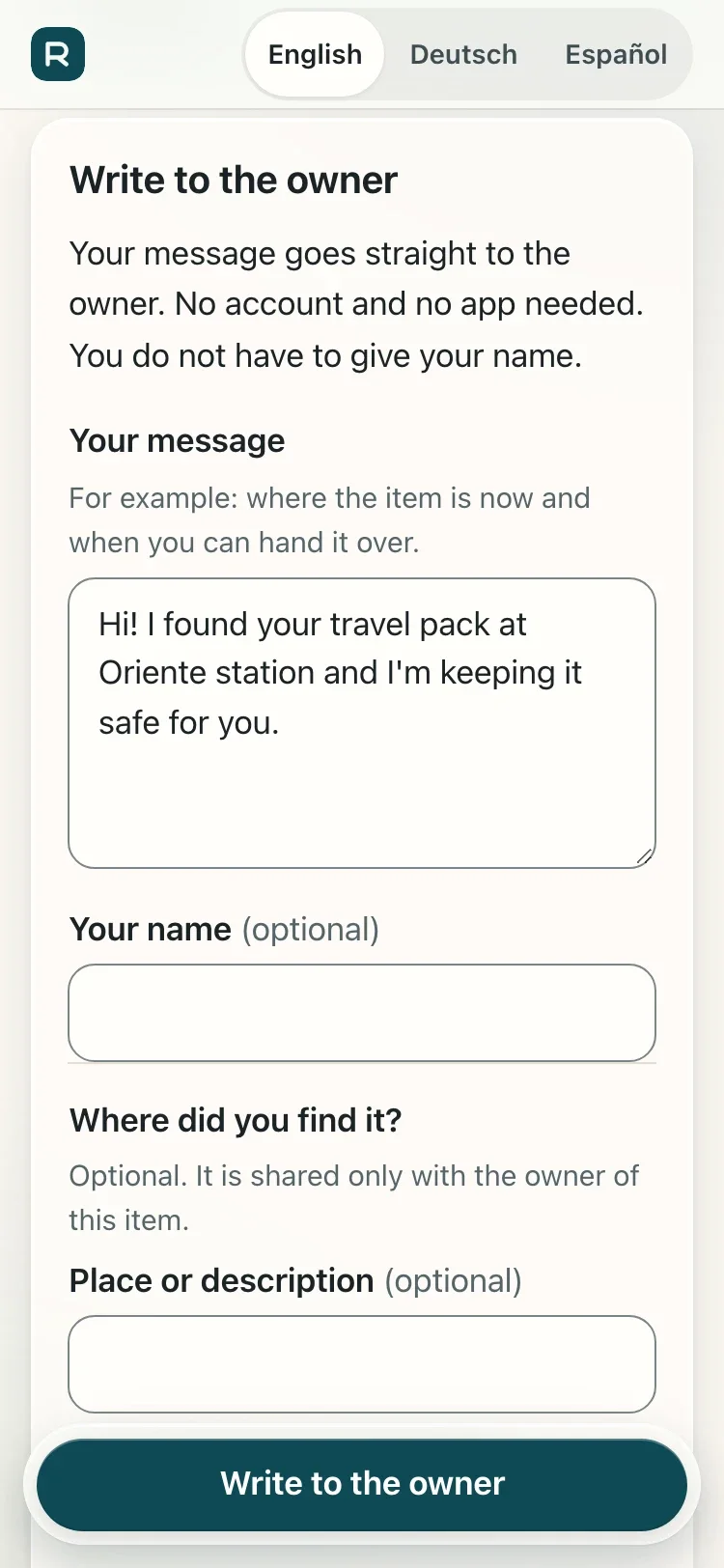
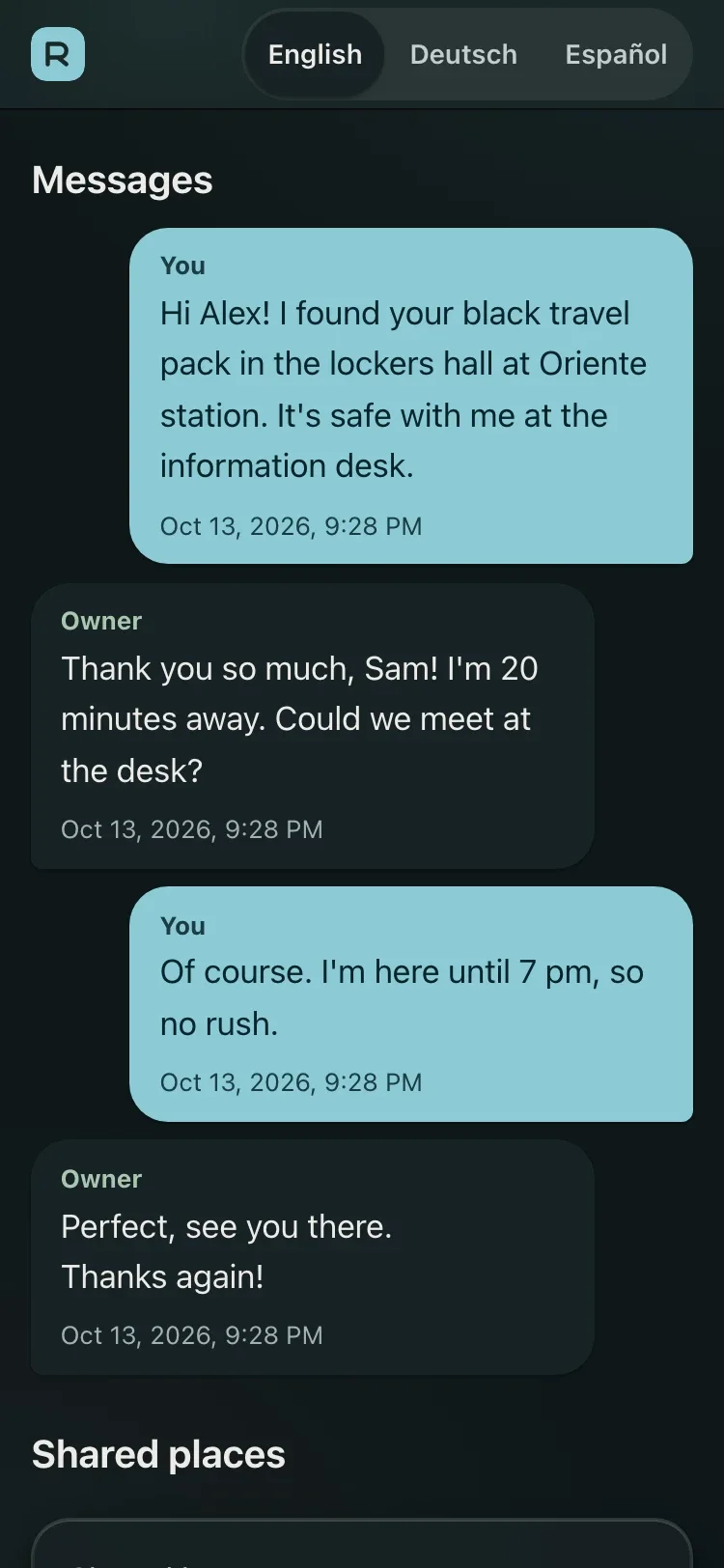
Every item gets a tag: a printable card with a QR code, and an NFC chip that carries the same link. Scanning it opens a public card in English, German or Spanish with the contact options I choose to show (email, phone, WhatsApp or trusted contacts) and a conversation the finder can start without signing up.
Location is never silent: the finder's GPS is only requested after an explicit tap, shown as a preview and sent after a confirmation. Unknown, revoked or malformed tags all return the same 404, first contact goes through Turnstile, and writes are rate-limited per IP and per tag.
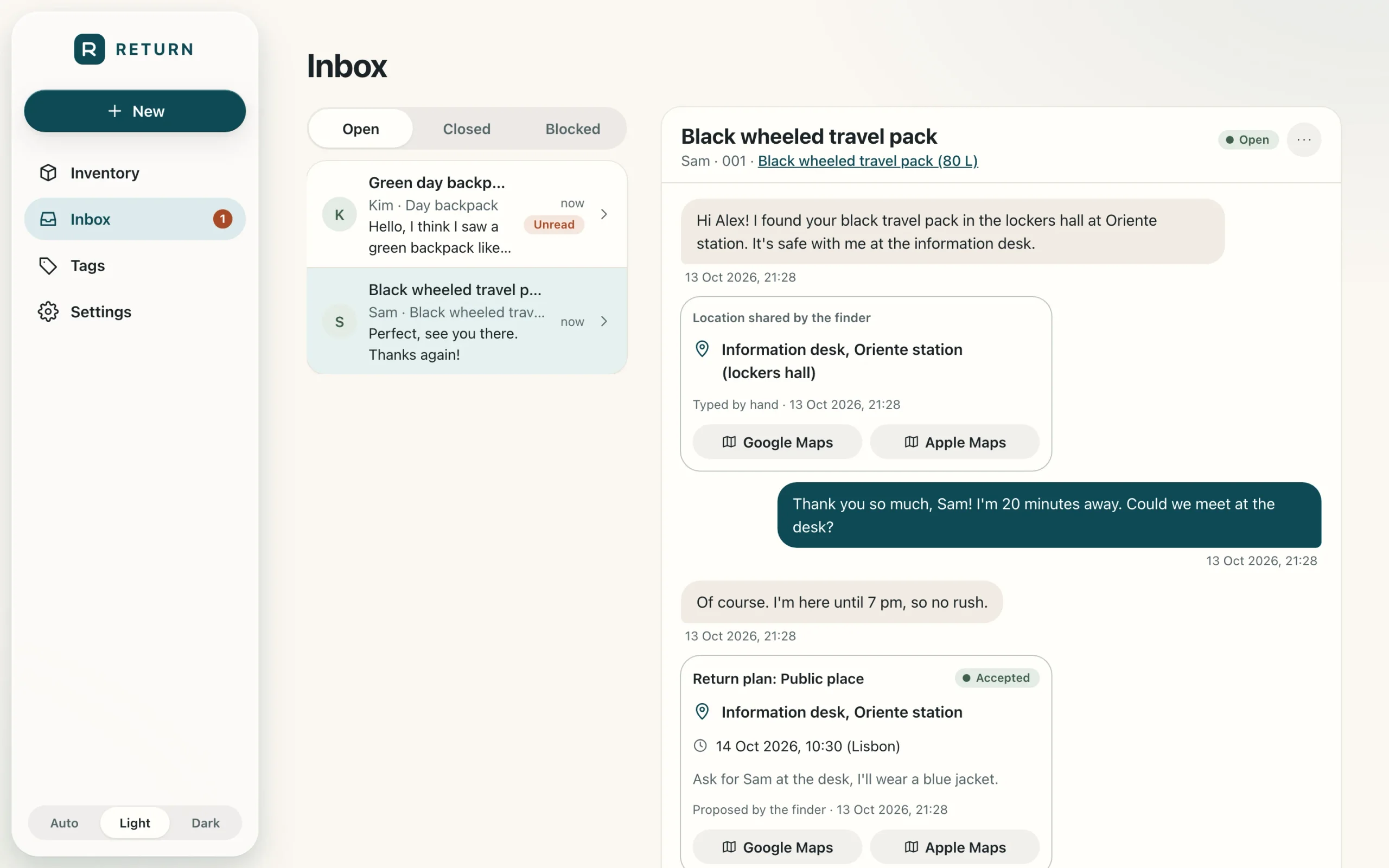
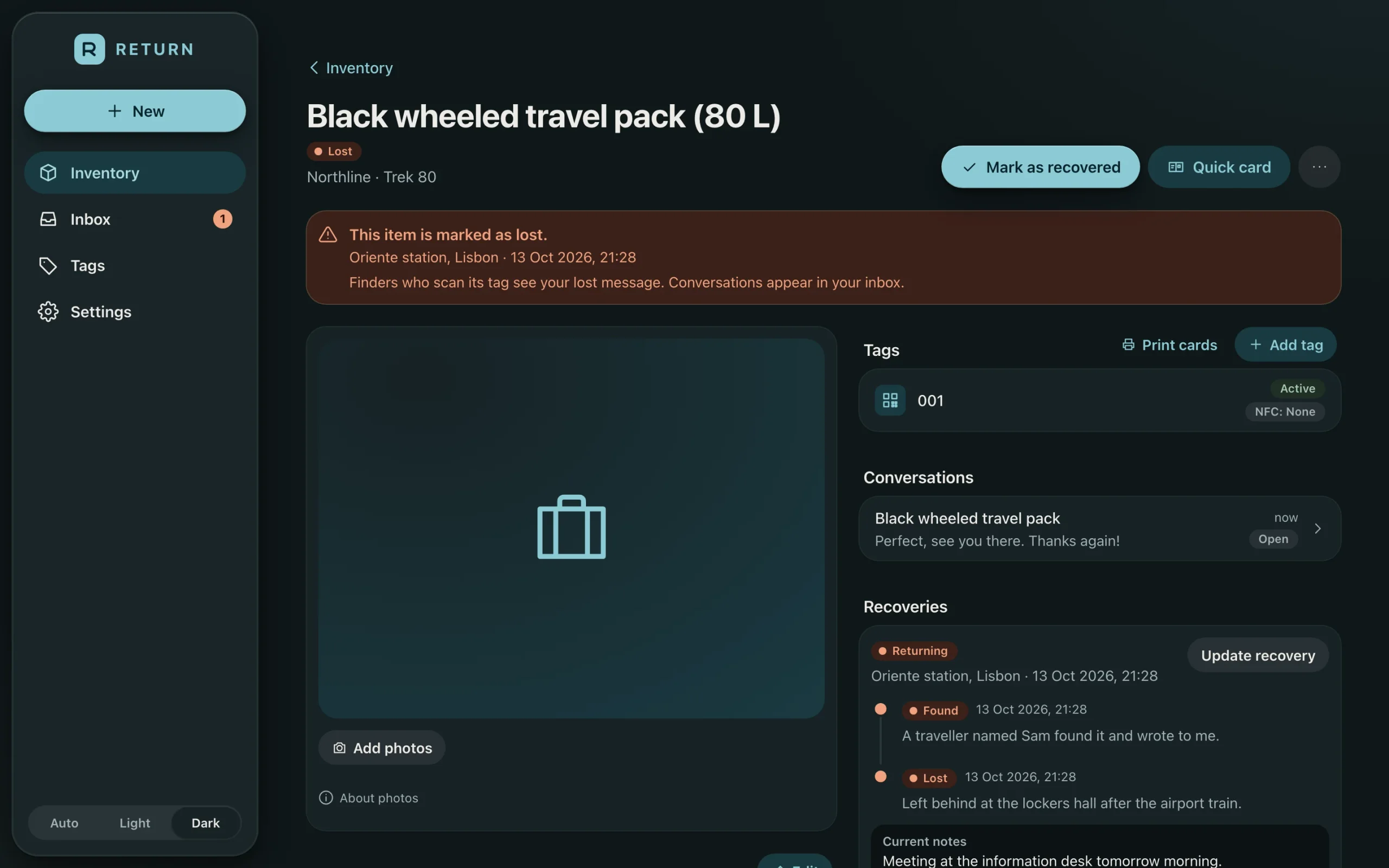
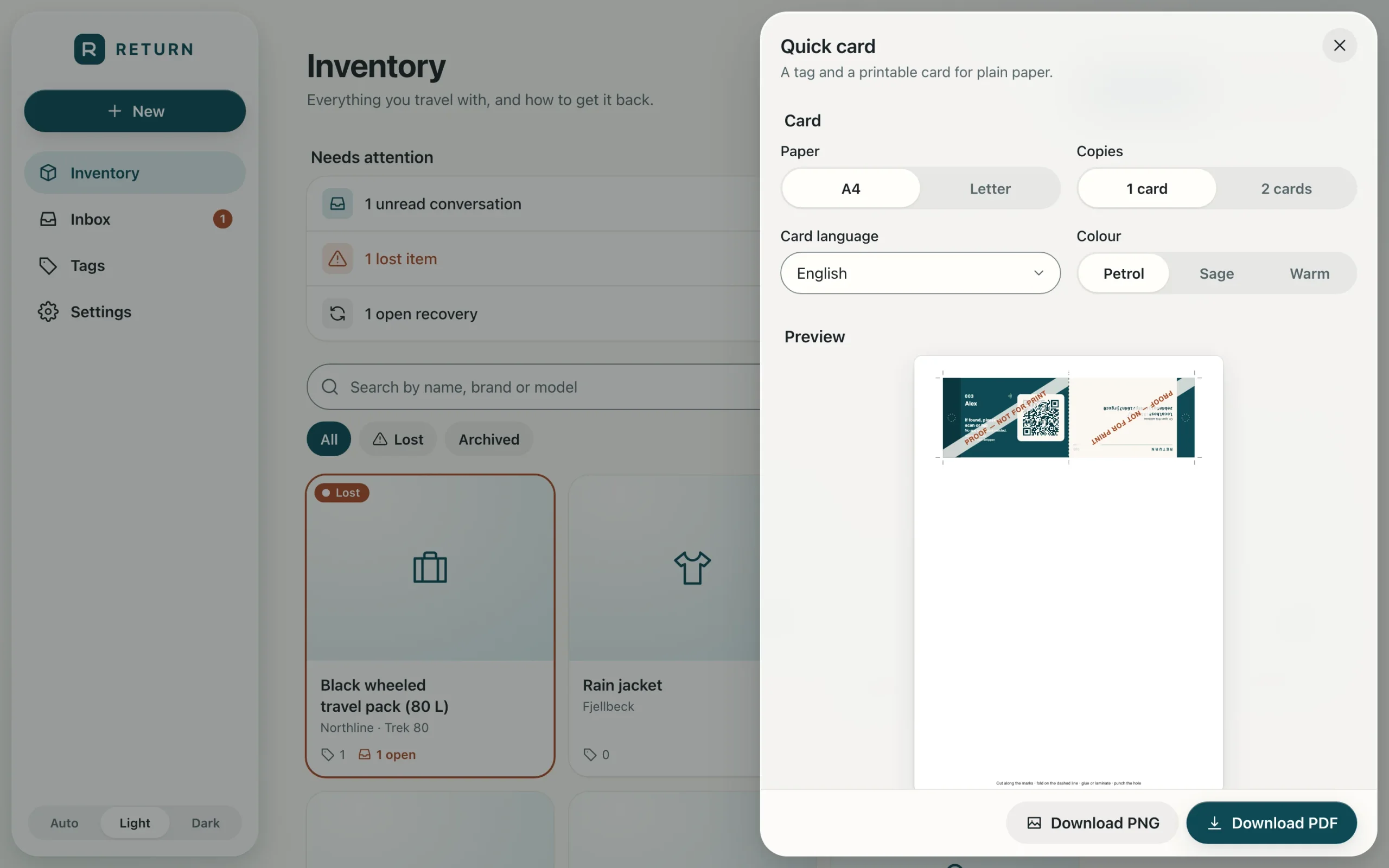
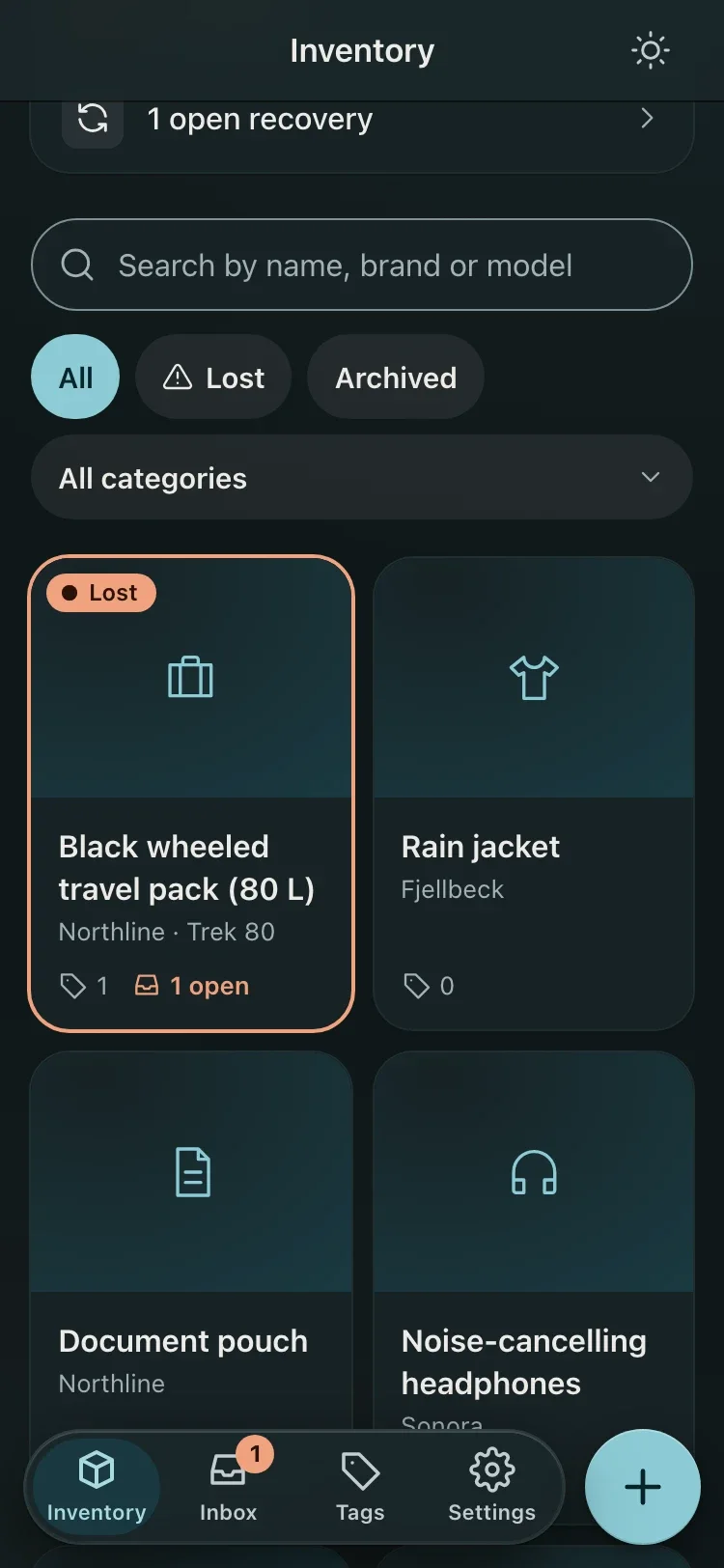
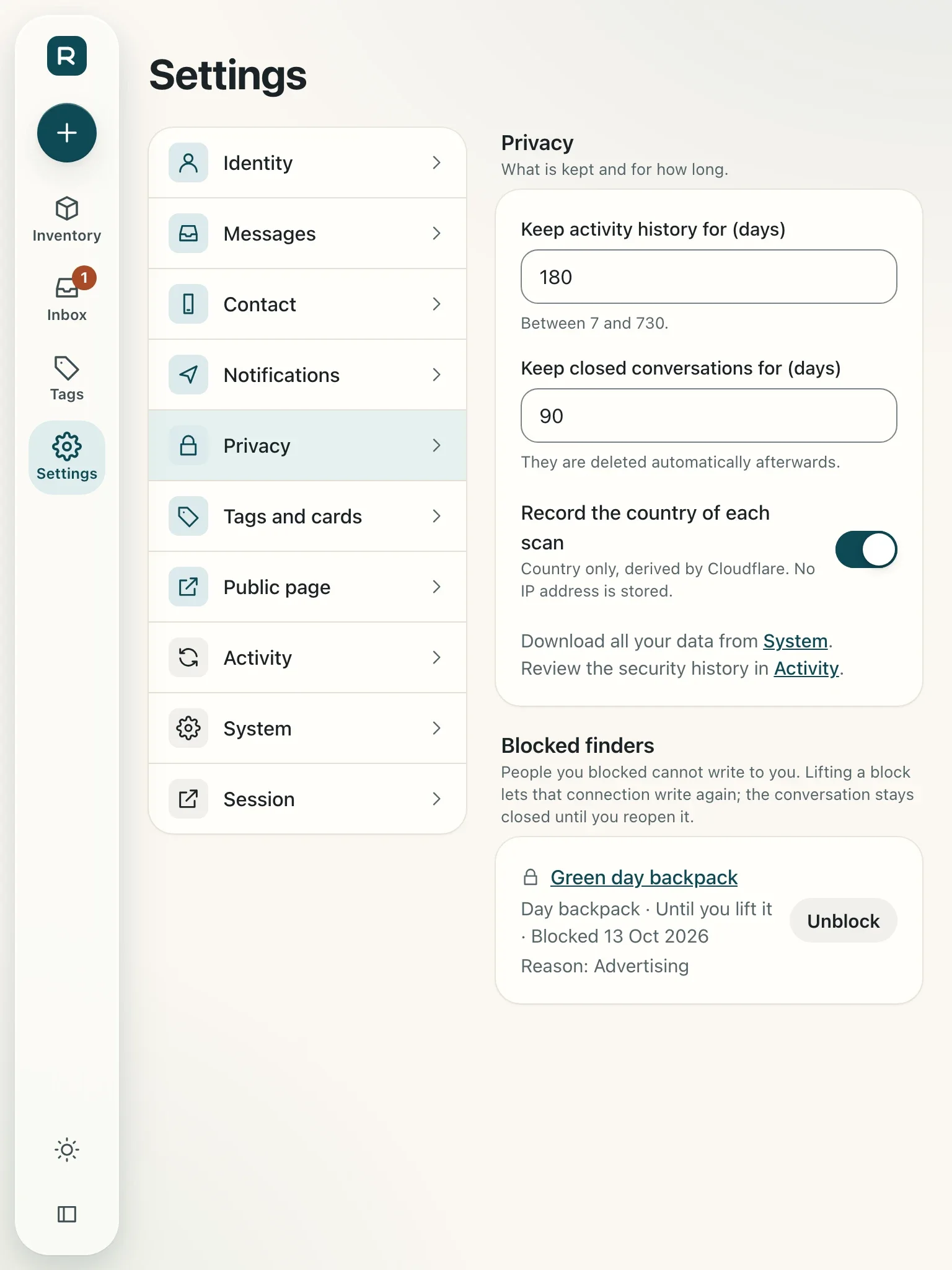
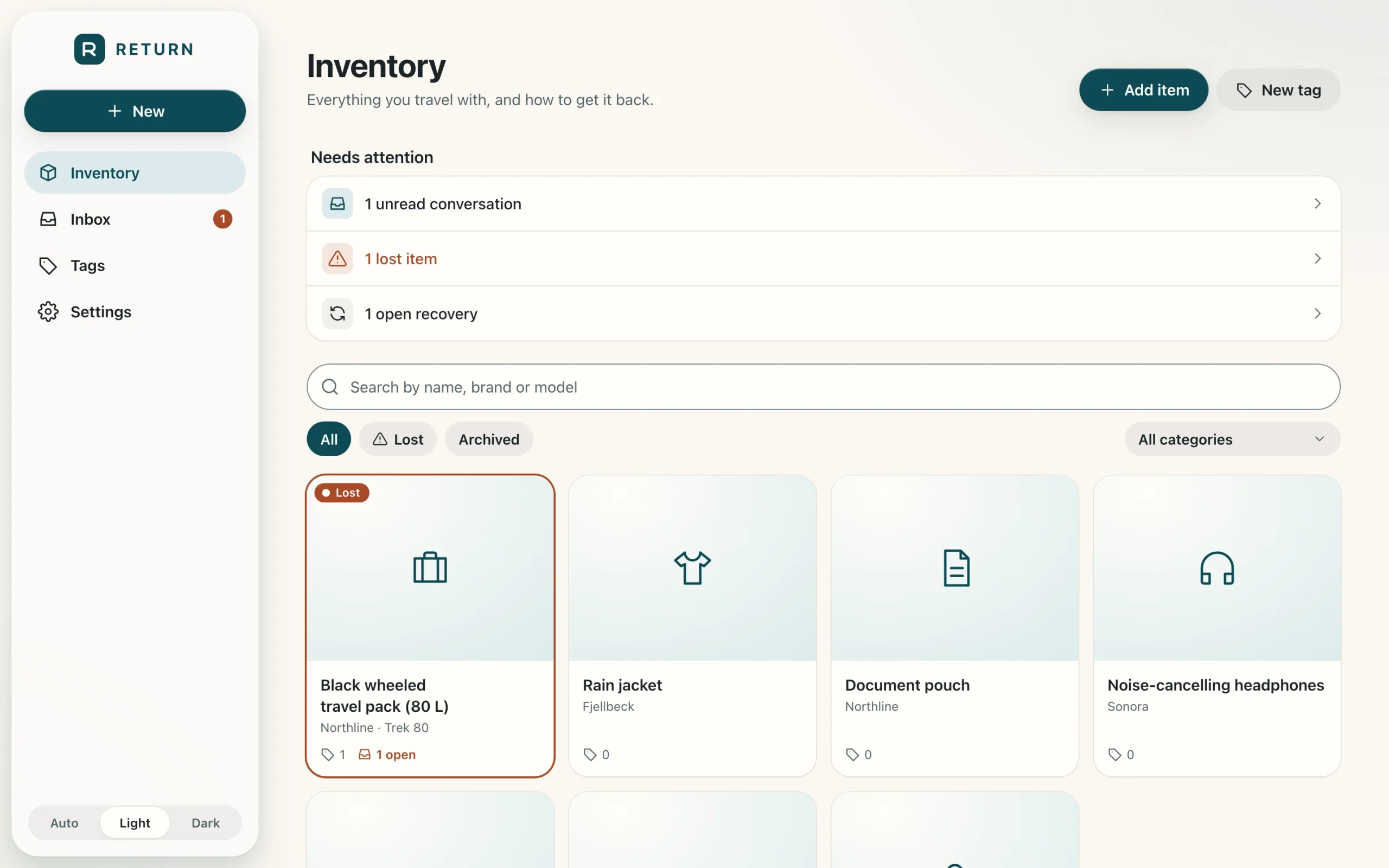
On my side, a private panel behind Cloudflare Access holds the items, tags, conversations, return plans and recoveries, and an installable app that never caches private data. Email alerts are built; sending from the domain is still being set up. Printable cards come out as PDF or PNG, CR80 size with bleed and trim marks.
Architecture
One Cloudflare Worker serves two hosts: the public finder pages, server-rendered with Hono JSX and no client bundle, and the owner panel in React 19 and Vite behind Cloudflare Access. Data lives in D1 and a private R2 bucket in the EU. Finder links are capability URLs (128-bit tag tokens; conversation links are 256-bit and stored only as SHA-256), every query is filtered by owner, and a nightly cron runs retention and backups.
Engineering decisions
- No account and no app for the finder: a scan has to work for a stranger in a hurry.
- Location only with consent: an explicit tap, a preview and a confirmation; the owner's own location is never collected.
- One indistinguishable 404 for every bad or revoked tag, so tags cannot be probed.
- Self-hosted for one owner on Cloudflare, not a SaaS that holds other people's data.
- A threat model where every row names the test that verifies it.
Challenges & trade-offs
Making a printed tag that keeps working for years and is easy for anyone to use, while giving a stranger as little as possible: no personal data unless I choose it, no silent tracking, and abuse limits that do not get in the way of an honest finder.
Verified results
- Live finder host at return.lr0y.dev; owner panel behind Cloudflare Access
- Finder pages in English, German and Spanish
- 30 unit and integration test files and 16 Playwright specs (finder flow, location privacy, isolation, accessibility)
- Owner Web Push in progress; a real tag still to be scanned on a phone
Status labels are factual: nothing here is presented as more finished than it is.
Stack
Links
Gallery